


FIF Software – intuitive, flexible, precise
feetinform is your innovative software solution for orthopedic shoe technology, optimizing the entire process of insole production.
Experience a new level of precision and efficiency in custom insole design and production.
Innovative insole software – powered by feetinform
3D design made simple
More overview, less effort
Cost-efficient thanks to open interfaces
Looking for perfect results in no time? With just a few clicks, you can create fully customized insoles based on precise 3D scans – aligned with your own fitting philosophy. Use adaptive libraries and smart tools to deliver the highest level of customer satisfaction.
Keep full control of your data and workflows. feetinform provides a centralized system for data management, customer and order tracking, and documentation – helping you standardize your processes and free up valuable time through optimized collaboration.
feetinform integrates seamlessly into your existing setup. Most 3D scanners, milling machines, and 3D printers can be connected directly or via an open STL interface. This reduces setup costs, protects your existing investments, and helps you achieve a faster return on investment.
Custom Insole Design – flexible, fast and efficient
Looking for software that lets you create truly custom insoles in minutes – according to your own philosophy of care? With feetinform, that’s exactly what you get. Using adaptive templates, you can transform any 3D foot scan into a perfectly fitted insole with just a few clicks.

Design for CNC-milled insoles
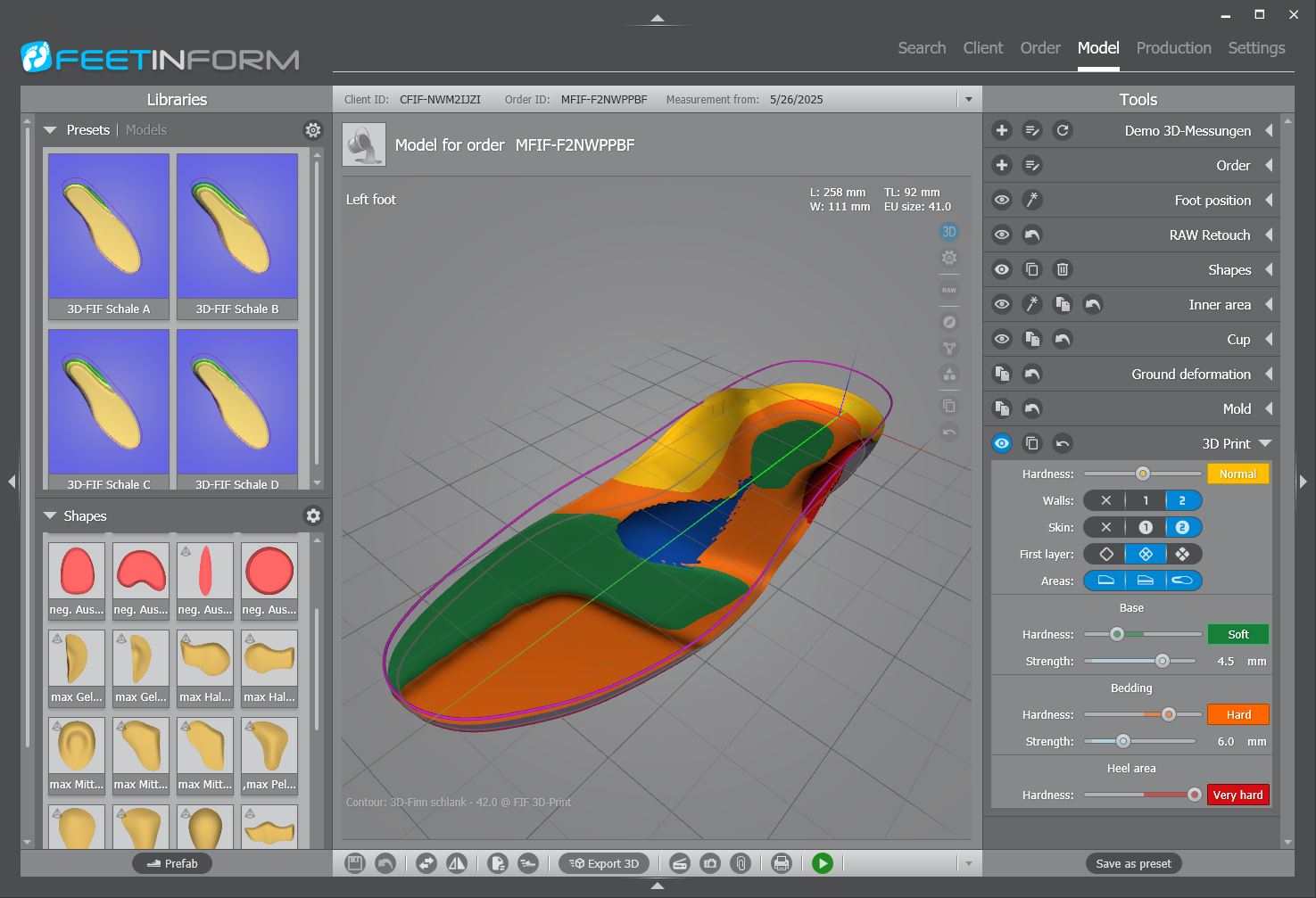
Design for 3D-printed insoles in multiple hardness levels
Adaptive templates – create once, use forever
Save your designs as adaptive templates and apply them to new scans anytime. The system automatically adjusts shapes and modifications to the geometry and size of each foot – while keeping key measurement data intact.
You can also extend your personal libraries with custom corrections, outline shapes, and base forms to perfectly match your workflow.
Expandable 3D libraries
feetinform Software gives you full control over your design process with flexible 3D tools and customizable libraries that help automate your individual style of insole creation:
- Adaptive design templates,
- Corrections (e.g. pads, negative forms, sensory-motor elements),
- Outline shapes for common shoe models and
- Insole base shapes for various manufacturers,
- Standard insole templates.
feetinform CRM – customizable to your needs
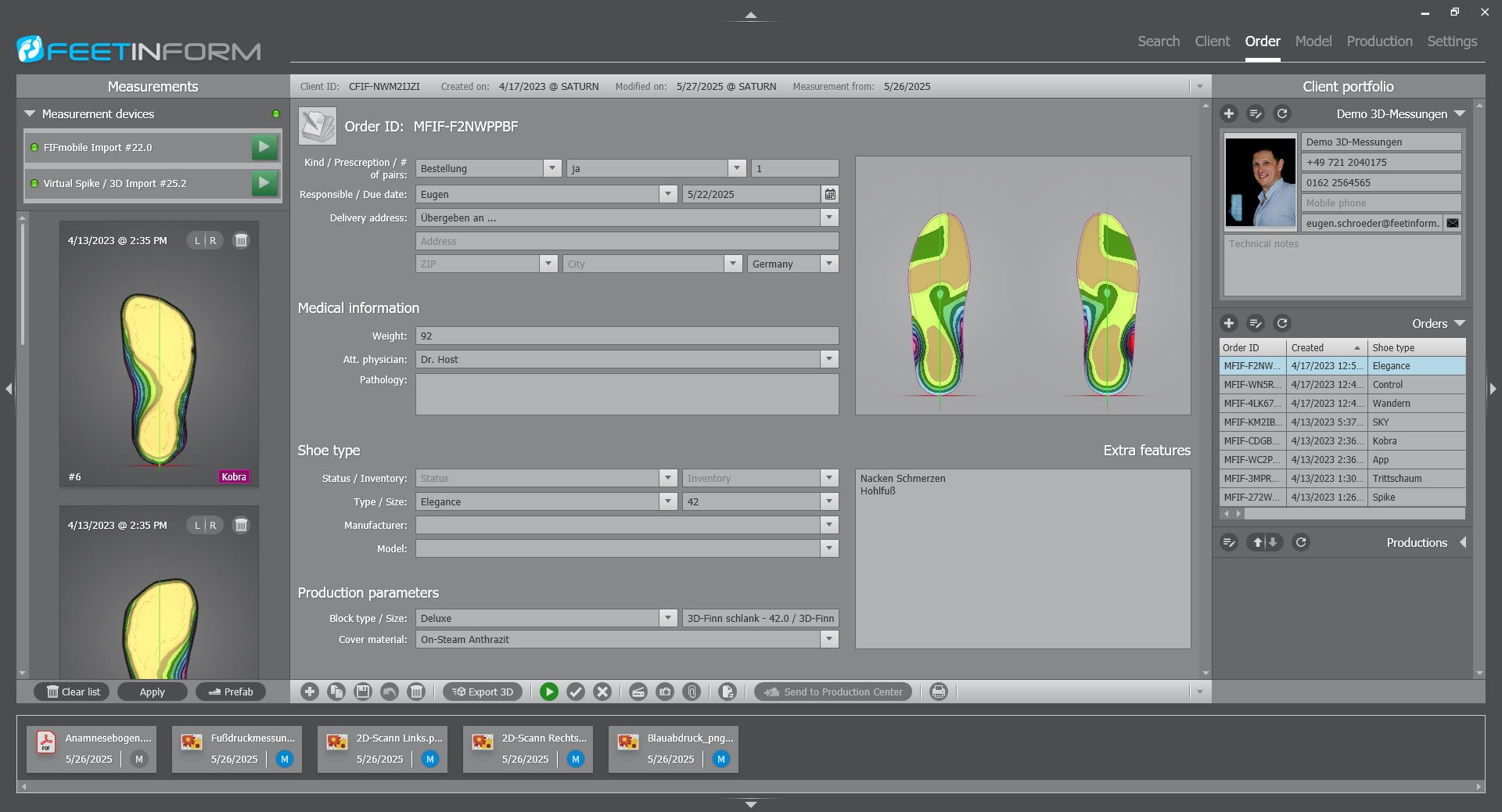
feetinform provides you with a fully integrated CRM module. All customer documentation is summarized in a single customer file. You have access to quick search and filter options by customer, order, and production. In each customer file, you can store important information such as:
- Measurements
- Designs
- Orders
- Productions
- Patient data from management systems
- Additional documents such as anamnesis forms, photos of deformities, patient declarations, and data protection forms
Process optimization and documentation
The FIF software helps you optimize your workflows. Standardize your customer data entry (e.g. naming of selection boxes) and define specific procedures to achieve consistent results quickly. The documentation in the CRM module includes all relevant information, which you can adapt to your individual preferences. Several customization options are available in the “Settings” tab.
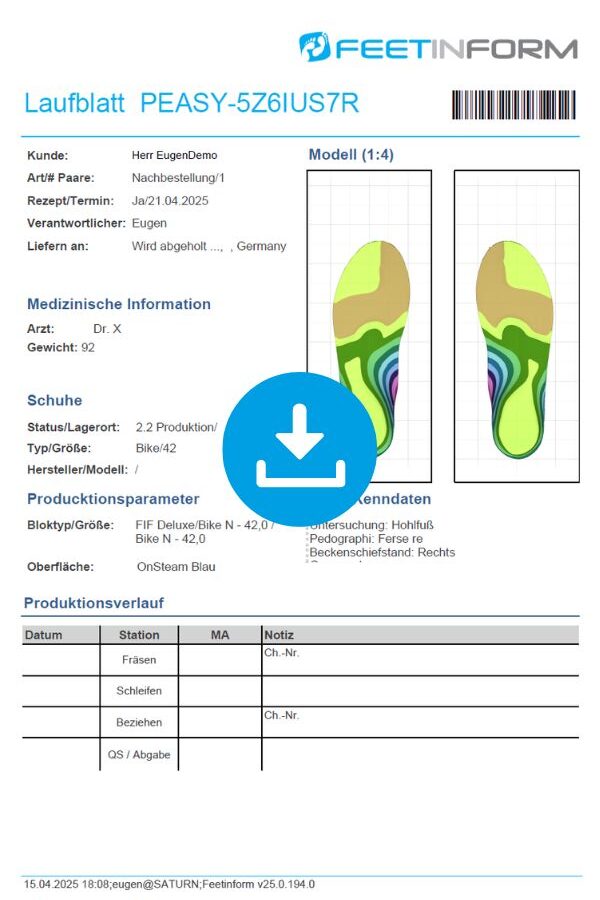
The software documents the production process and ensures that you always maintain an overview. You can also add information about the production method or milling materials directly in the software. All essential information is summarized in a work sheet that can also be generated directly from the system. It is also possible to work in a decentralized setup – for example, with a central production facility and multiple remote measurement and modeling stations.
Flexible integration through open interfaces and connected devices
feetinform connects your entire workflow. Our 3D foot scanners – Spike, Kobra, and Kobra II – are fully integrated into the software, allowing for fast, precise, and reliable foot and foam impression scans.
For mobile workflows, the FIF Mobile App lets you capture measurements anywhere. External 3D scanners can be easily connected via our open STL interface, delivering a fully aligned, cleaned, and smoothed 3D model within seconds.
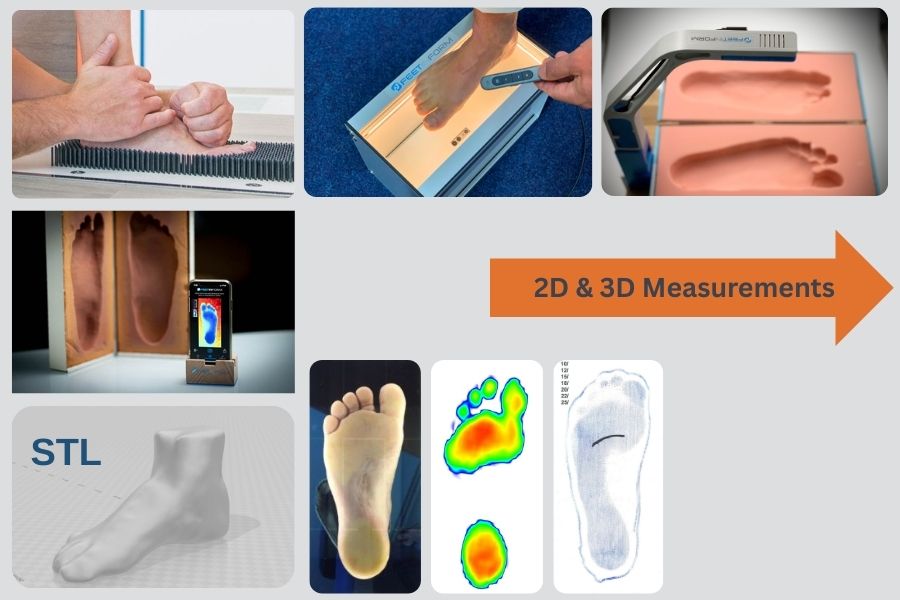
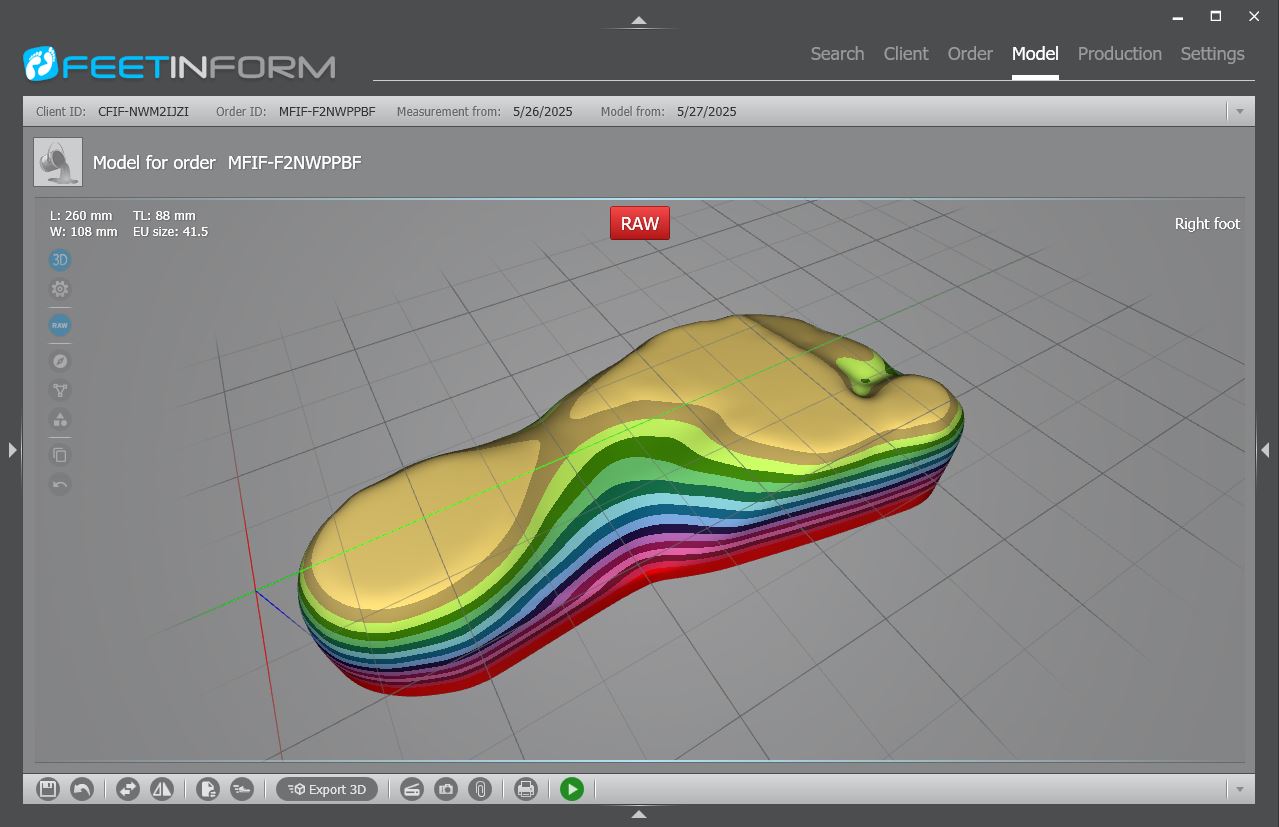
You also have direct access to all Windows-registered 2D scanners and webcams right from within the software. Common image formats (.png, .bmp, .gif, …) can be imported and combined with 3D scans – giving you maximum flexibility in documentation and visualization.
Export and Production
Our milling machines, 3D printers, and other devices already feature optimized interfaces and are seamlessly integrated into the system. These can be easily customized according to customer requirements to meet specific needs. Thanks to the flexibility of the interface, additional 3D printers and milling machines can be connected without significant effort.
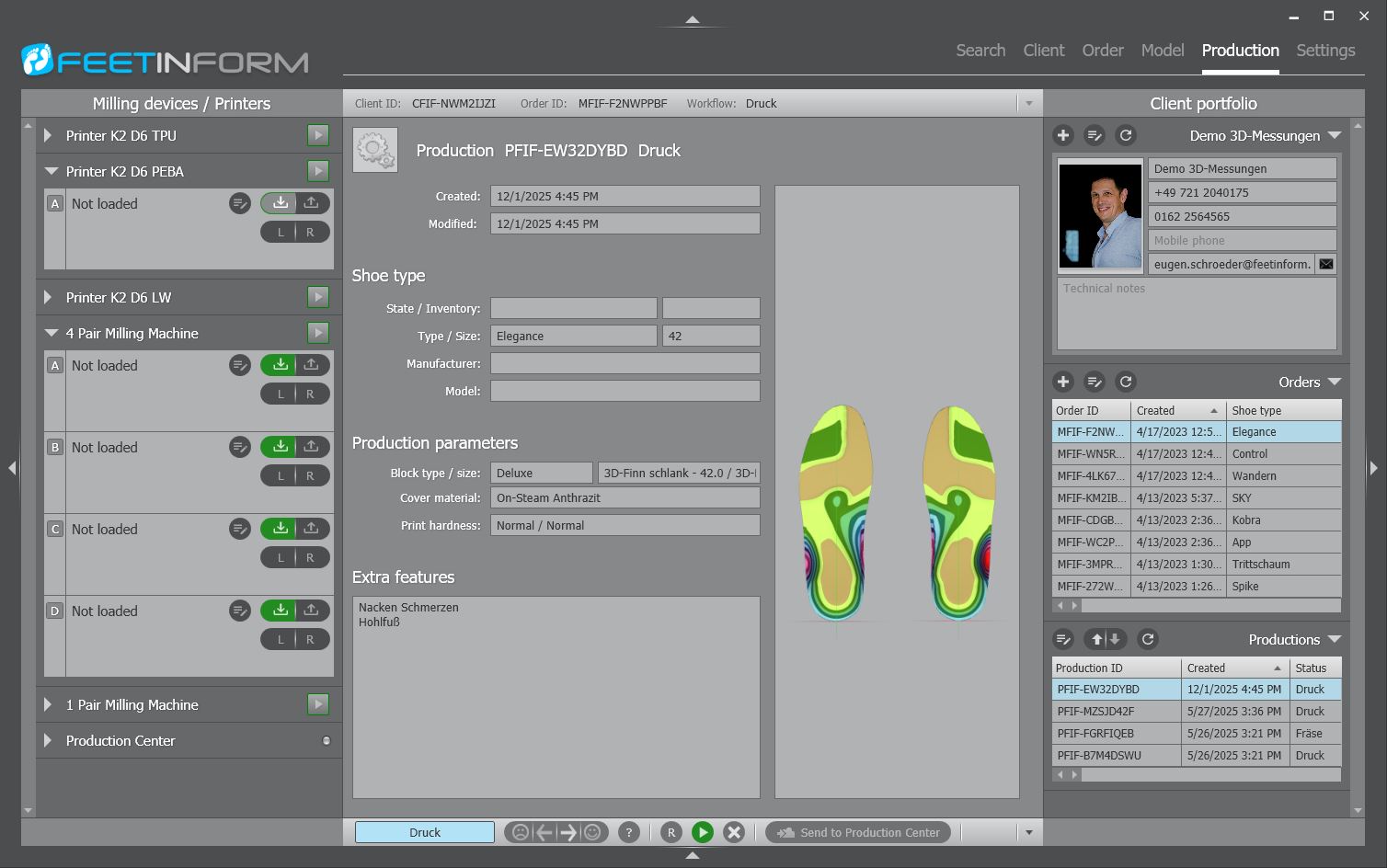
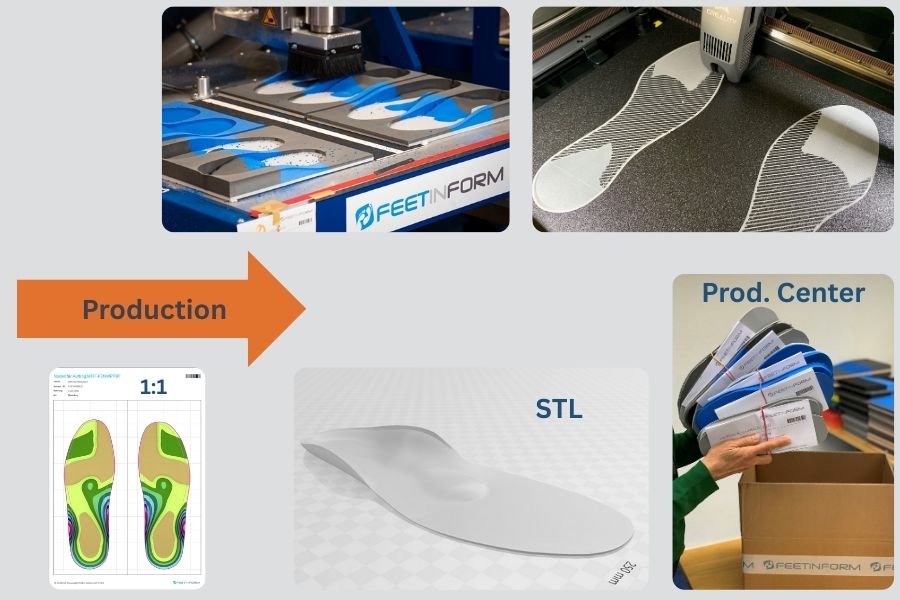
Generate production-ready files directly from the software:
- gCode for CNC milling,
- gCode for 3D printing,
- STL files,
- 1:1 PDF printouts of scans and designs,
- Reports such as production sheets and order summaries.
Use these files for digital documentation or for conventional insole manufacturing – fully adapted to your process.
examples available for download
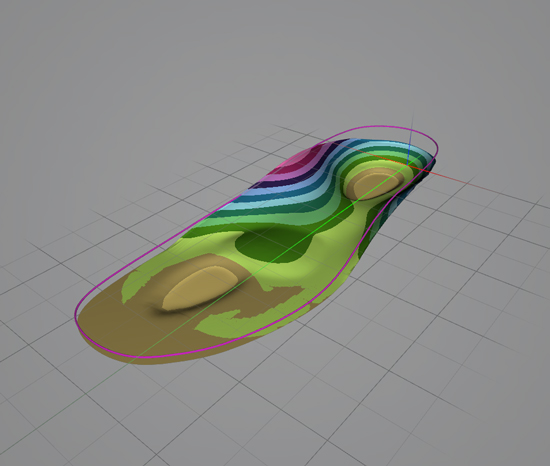
STL for insole milling – includes one correction and two negatives Download STL1
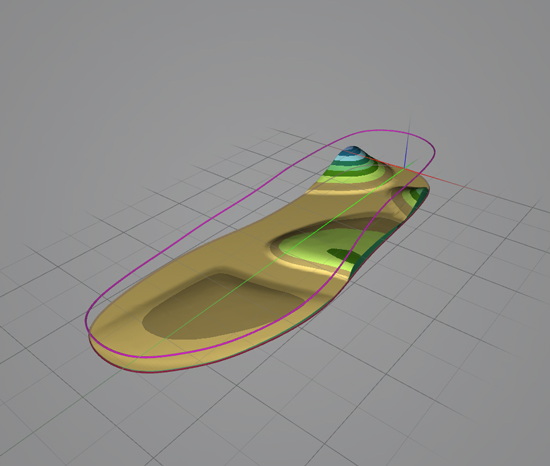
STL for 3D printing – proprioceptive insole. Download STL2
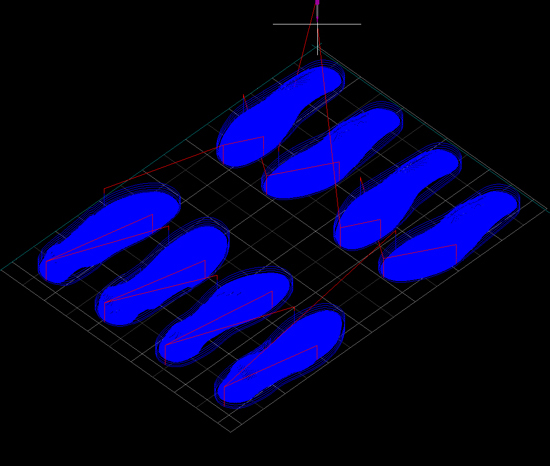
NC file for Hamster (4 pairs). Download .NC
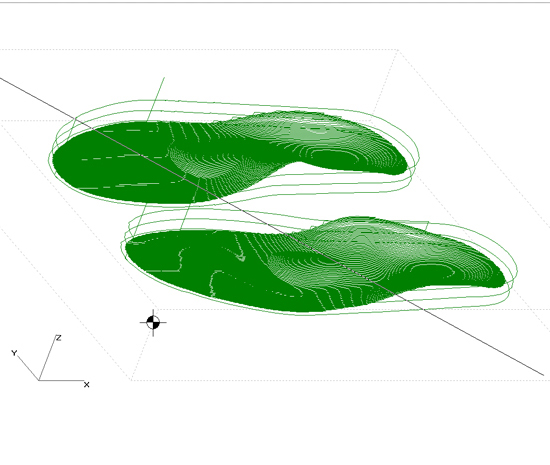
NCP file for Isel-4030 Download .NCP
Advantages of the modular software structure
The software is modular in design and adapts to the requirements of both small and large businesses. Centralized data management ensures immediate availability of information and data security. The modular setup also allows for a clear division of expertise – meaning that measuring, modeling, and production can be carried out by different people at different locations.
FIFpro vs. FIFse (Starter Edition)
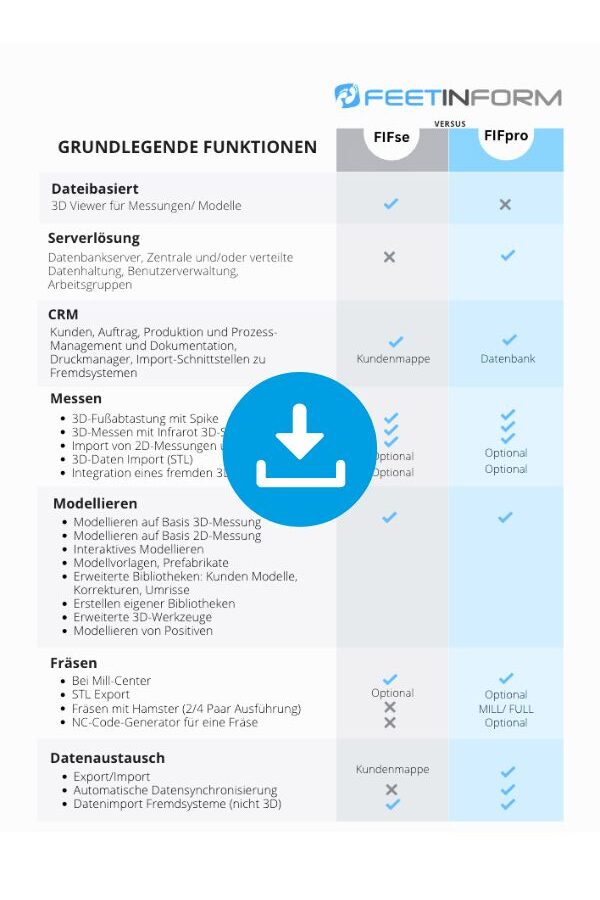
There are two versions of the software: the single-user version “FIFse” and the network version “FIFpro”. In “FIFse”, all customer data – including contact details, measurements, and orders – is stored in a local file. “FIFpro”, on the other hand, stores data in a database, either locally or on a server. In addition, “FIFpro” offers user management, workgroups, PPM (Production-Process-Management), and a variety of search filters.
If you produce more than 500 insoles per year or operate multiple branches or a central production facility, we recommend using “FIFpro”.
Ultimately, you decide what you need! The key functions of both versions (FIFse and FIFpro) can be found in the comparison table beside.
System requirements:
| Specification | Requirement |
| Operating system | Windows 10/11 Pro 64-bit (Recommended for database server: Windows Server 2012 64-bit or newer) |
| CPU | Intel Core x64 or AMD Ryzen x64 (ARM is not supported) |
| RAM | Minimum 8 GB (16 GB recommended) |
| Graphics card | DirectX 9.0 compatible with Shader Model 2.0 support (Recommended: NVIDIA GeForce or AMD Radeon – Intel HD not recommended) |
| Monitor | Minimum 1024 × 768 pixels (Recommended: 1920 × 1080 pixels) |
| Hard drive | Minimum 200 GB free space |
| Interfaces | USB port for Spike and separate LAN connection for milling machine |
Still have questions about custom insole production with feetinform?
We’d be happy to assist you — whether you’re interested in a consultation, a test package, or direct access to our online shop.